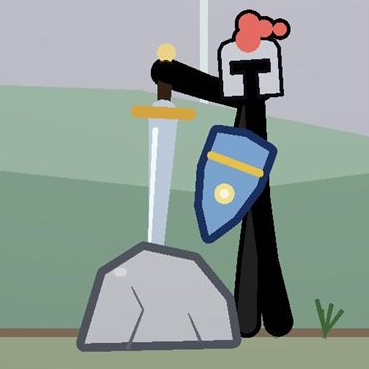
 Active Ragdoll 2D
Physics-only locomotion
Procedural walk cycle, jumps and air control. Two balance modes: an easy hover hip, or true self-balancing that can fall and get back up.
No animation clips. No transform hacks. Just physics.
Bring the wobbly, cartoony charm of active-ragdoll games to your 2D project. The stick figure is a real ragdoll at all times — eleven rigidbodies driven by muscle-like joint motors, steered through the pelvis — so control stays crisp no matter how floppy you dial the body.
Procedural walk cycle, jumps and air control. Two balance modes: an easy hover hip, or true self-balancing that can fall and get back up.
From stiff and controlled to rubber puppet with a single slider — stiffness, strength and damping of all muscles at once.
Only the struck region gives way. Hit hard enough and every muscle cuts out — a double-tap on jump wakes the figure again.
Pick up with either hand, throw with spin, carry a ring of weapons on the back, wear headgear. Custom items are one component away.
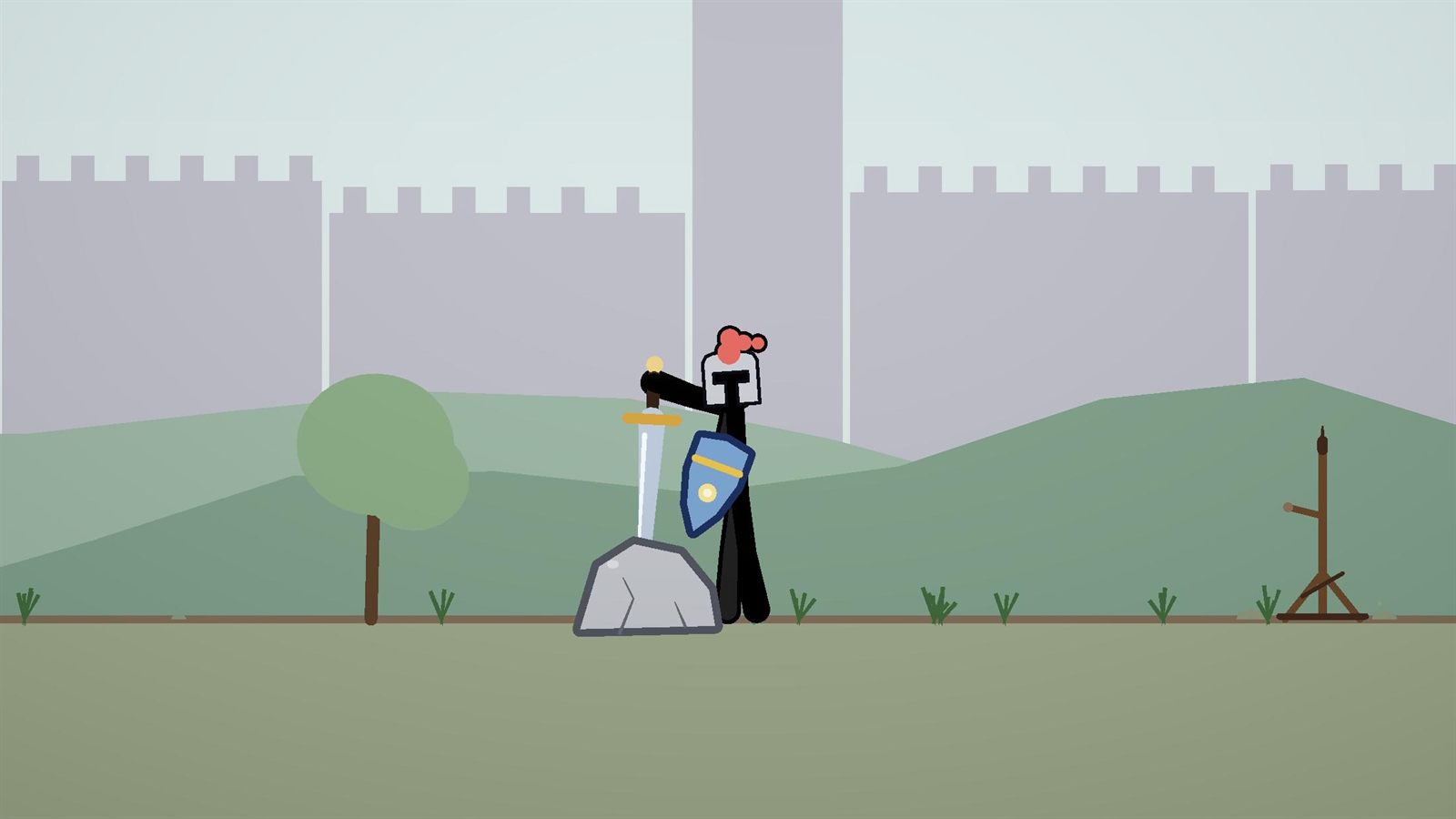
Real arc swings and tip-first thrusts, a two-handed greatsword and an axe, bare-fisted punches — plus blocking with shields and blades.
Bow and arrows, a full-auto rifle whose recoil really throws the aim off, and a rocket launcher with knockout blasts.
Grab objects, walls or other figures. Alternate left and right grips to climb ropes, walls.
Modular health system with body-part multipliers, health bars, hit sparks, camera shake, hit flash and splatter in the figure's own colour.
Day, sunset, night, forest, city, desert, winter, castle and sci-fi — with parallax, props, lighting and a comic outline. Zero image assets.
A pursuing enemy stickman shows how to drive a figure from code — the starting point for your own brains.
GameObject → 2D Active Ragdoll → Stick Figure. Pick size, colour, muscle strength and balance mode, press Create, press Play.
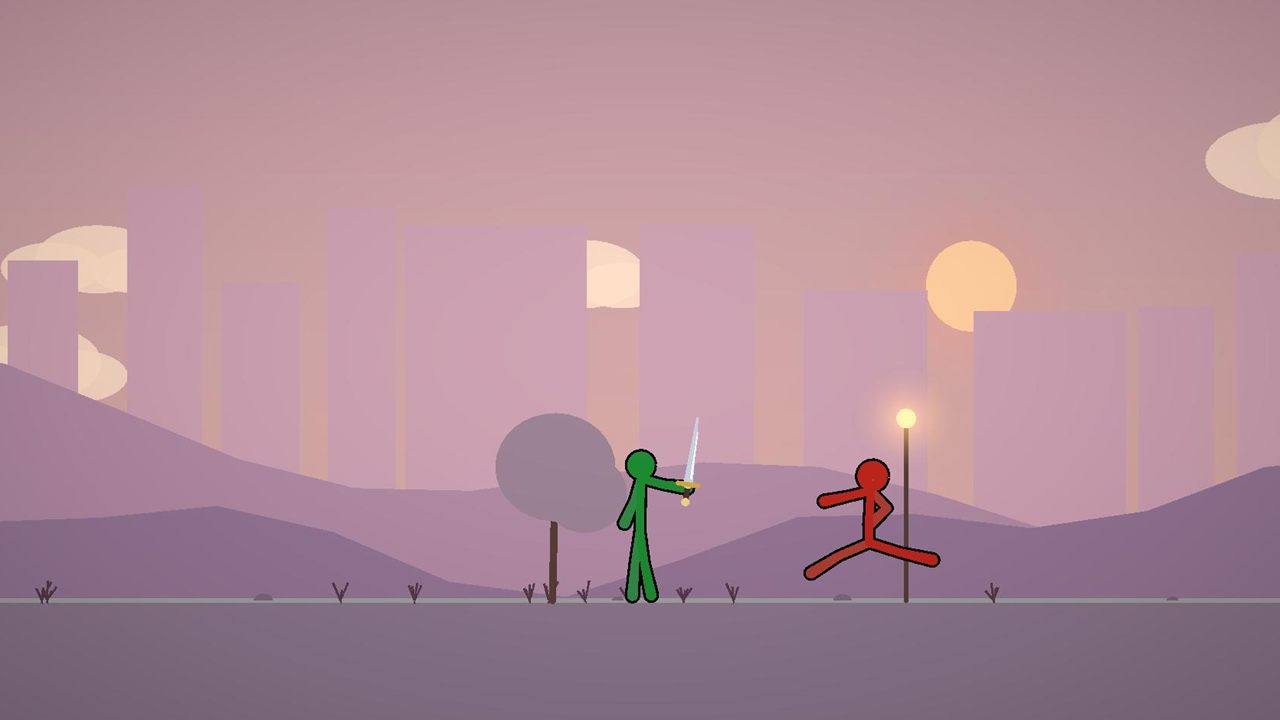
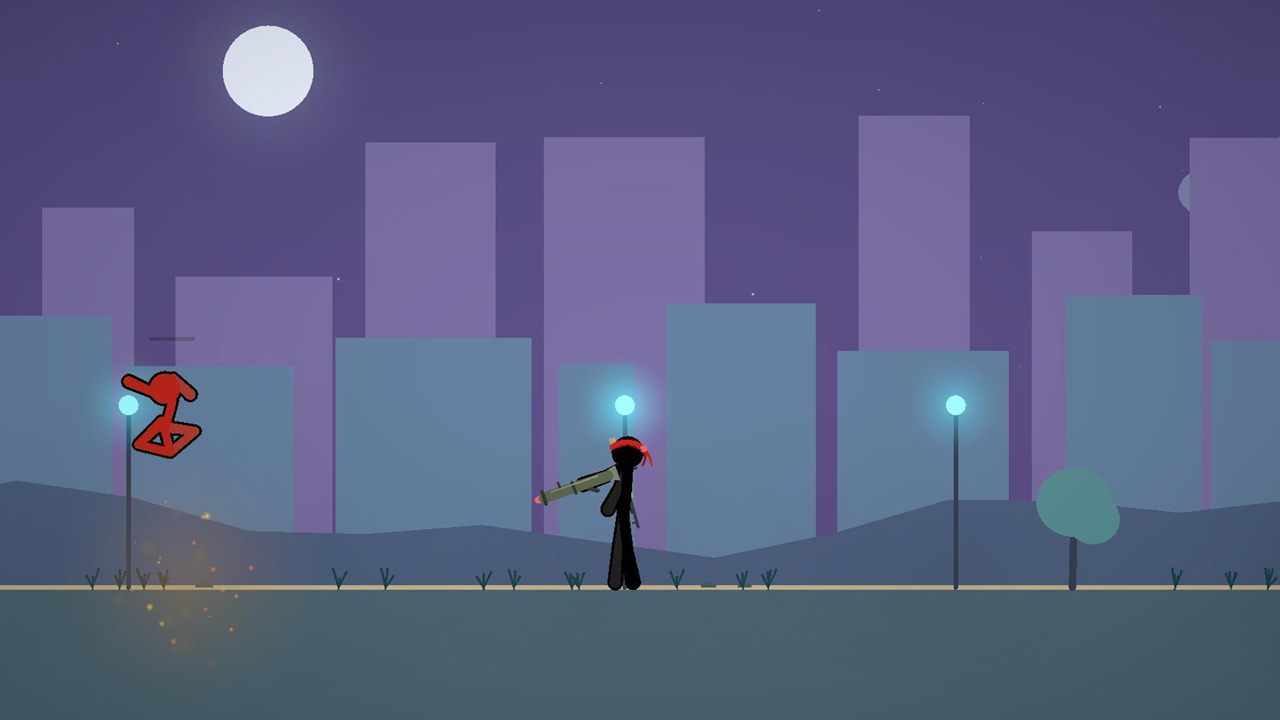
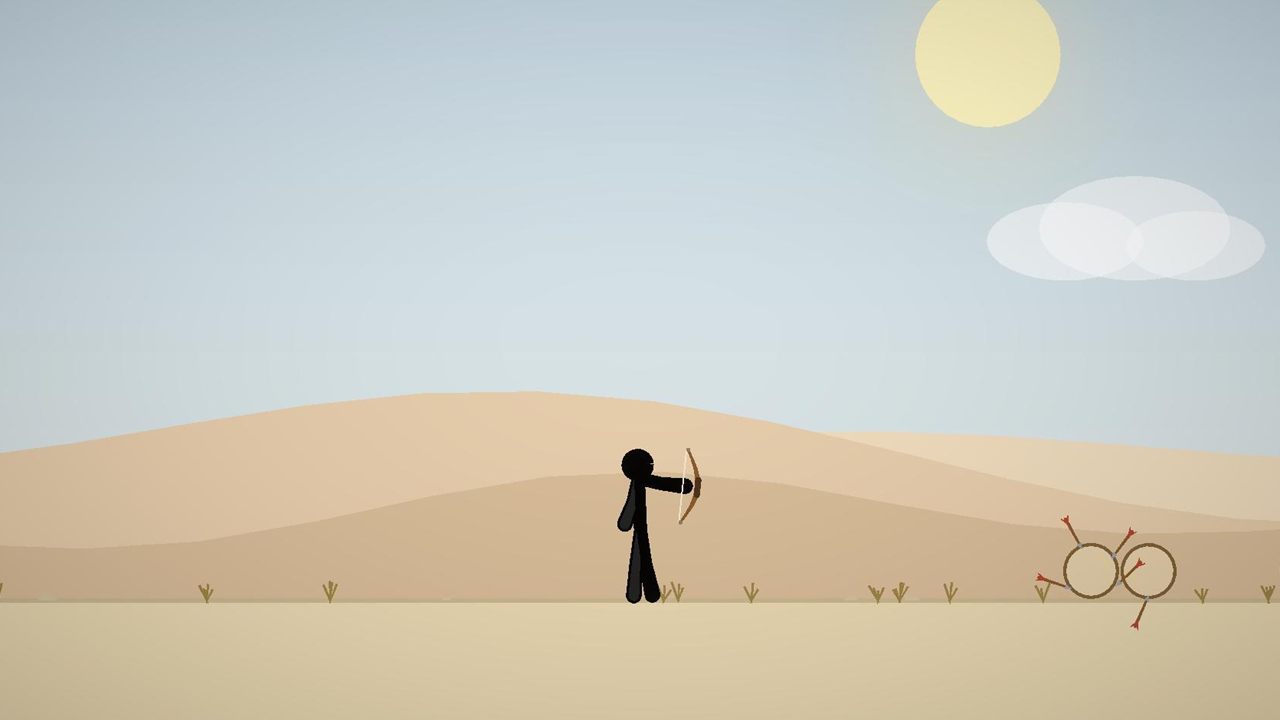
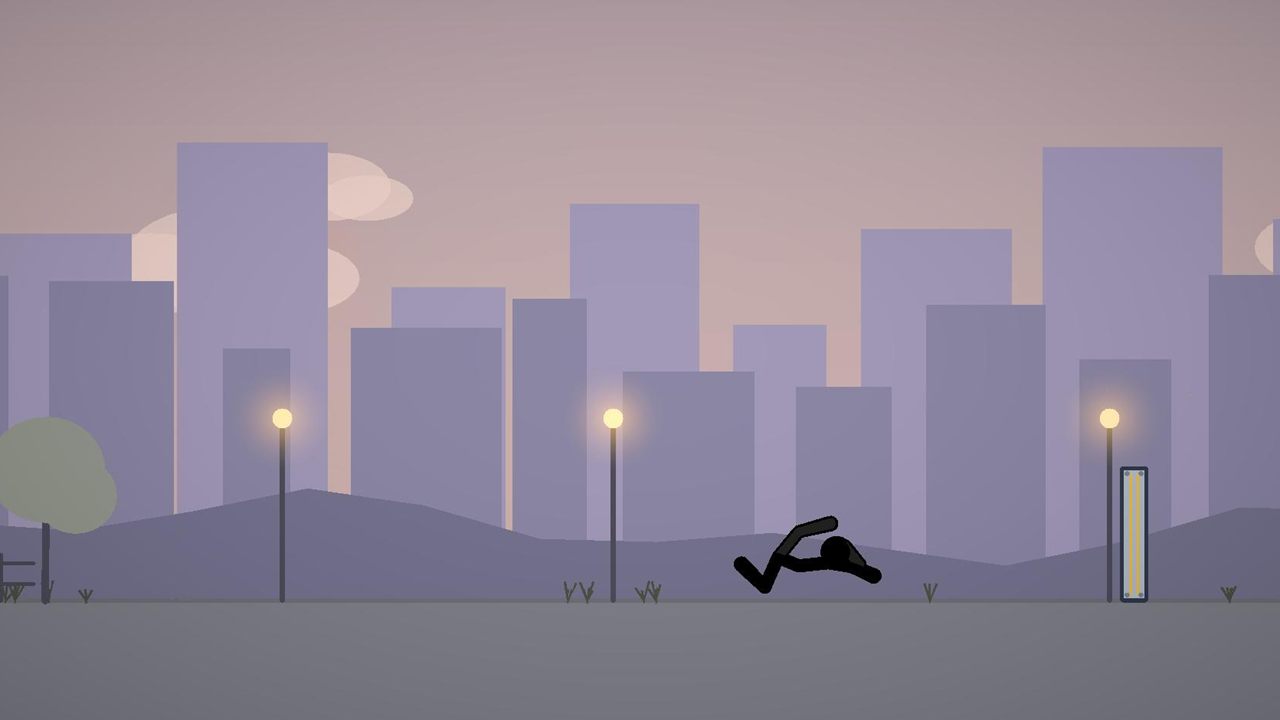
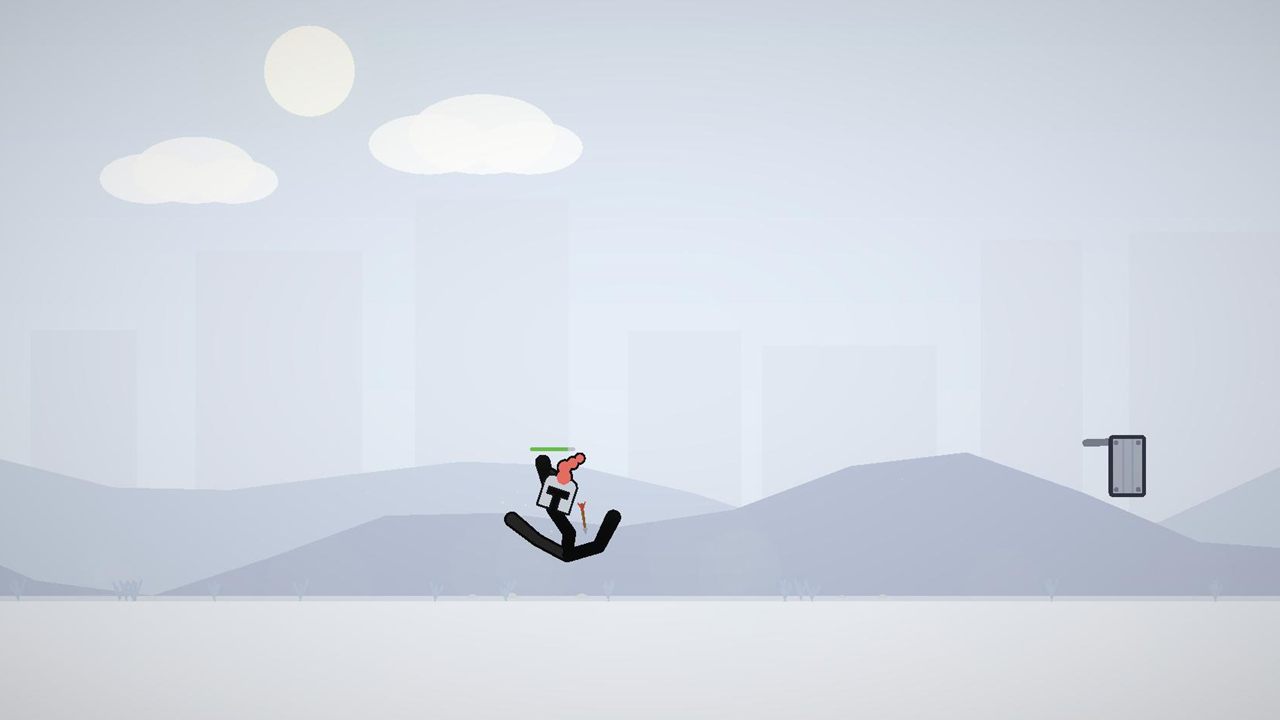
Every scene explains itself with an on-screen help panel. Open one and press Play.
00Getting Started — minimal setup, ready to copy01Locomotion — run, jump, tune floppiness live02Knockout — a ram teaches the K.O. threshold03Sword — sword in the stone, weapon rack, melee04Bow — desert archery05Helmet & Turret — a turret shoots your helmet off06Enemy — pursuing AI stickman07Rifle — full-auto rifle and rocket launcher08Sandbox — everything in one playgroundThe Built-in Render Pipeline is not supported.
A PDF reference plus step-by-step guides, available in the editor under Tools → Active Ragdoll 2D:
Large parts of the code and documentation were written with AI assistance — guided by years of being an active-ragdoll fan. Every tuning decision, from muscle feel to knockout thresholds, reflects that hands-on experience.
And because the result is plain, well-documented C# with zero binary assets, AI coding assistants can read and extend the entire package: point yours at the included guides and let it build new weapons, headgear or enemy brains for you.
Questions about setup and bug reports are welcome. Please mention your Unity version and, if possible, the demo scene where the issue shows up.